
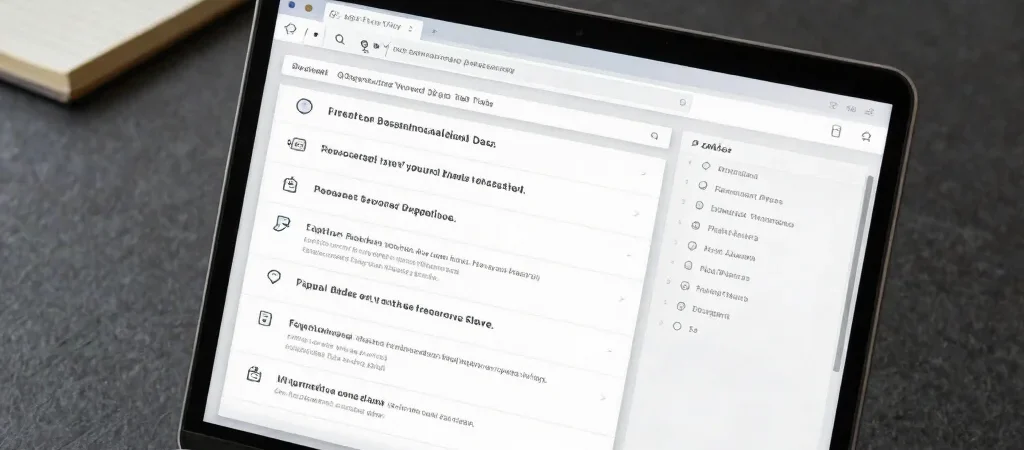
A directory entry that says “Read more” asks the reader to do the work twice: guess what the link contains, then decide whether it is worth opening. A resource page earns trust by answering the small question first: what is this, and why is it here?
Give Each Link a Job
Use the title to identify the destination, then use a short description to explain its purpose. “Accessibility checklist” names the resource; “Review keyboard navigation and contrast before publishing” tells someone when it may be useful. Keep the description close to the link so the context travels with it.
The best description is specific without trying to summarize an entire destination. Mention the format or scope when it changes the reader’s expectations, such as a reference guide, downloadable template, or interactive tool. Avoid calling something recommended or free unless that information is accurate and kept current.
Make the Destination Clear
A link’s title should make sense on its own, not depend on a neighboring heading to explain it. This matters when someone scans a page quickly, uses a screen reader, or shares a single resource with a colleague. Descriptive labels create a clearer path from the listing to the destination.
Keep calls to action plain: “View the guide” or “Open the template” says what happens next. If a destination opens in a new tab or leads to an external site, make that behavior clear where it helps the reader. Small disclosures prevent a page from feeling like a collection of surprises.
Keep the Context Current
Links change, and descriptions can become inaccurate even when a URL still works. When reviewing a resource, check its title, destination, and the claim made in its summary—not just whether the page loads. A short, maintained directory is more useful than a long one full of unexplained links.
Before publishing, read each entry without looking at the destination. If you can tell who it is for and what it helps with, the listing is doing its job. Put the context next to the link, and the reader can choose their next step with confidence.